Create Your First Repository
A repository stores the artifacts of one format. Create one for the format you build with, then connect your tool to it.
Choose a type
Section titled “Choose a type”| You build with | Choose |
|---|---|
| Maven or Gradle | Maven (Java / JVM) |
| pip or twine | Python (PyPI packages) |
| npm | npm (JavaScript / Node.js) |
| Docker | Docker (Container images) |
Create it
Section titled “Create it”-
Sign in to the admin portal and click Repositories in the sidebar.
-
Click Create Repository. If you do not see the button, your user cannot manage repositories: ask your organization owner.
-
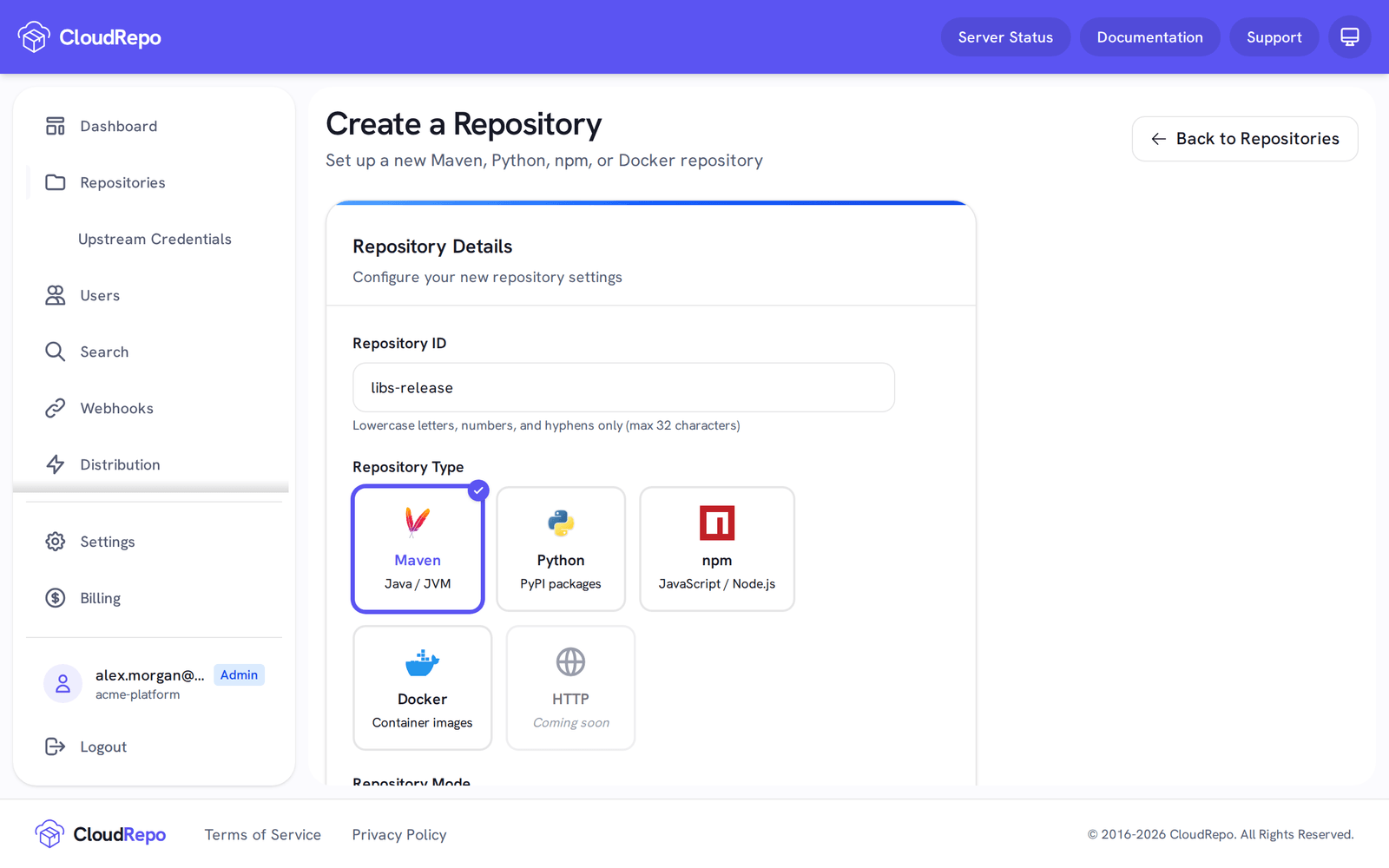
Under Repository ID, type a name such as
releases. It becomes part of the repository’s URL. Use lowercase letters, numbers and hyphens only, up to 32 characters. -
Under Repository Type, choose your format.
-
Under Repository Mode, keep Local: you publish to it and read from it, and CloudRepo stores your artifacts. The other modes are for later: Proxy, and, for Maven and Docker, Group. See Proxy Repositories.
-
Click Create Repository.
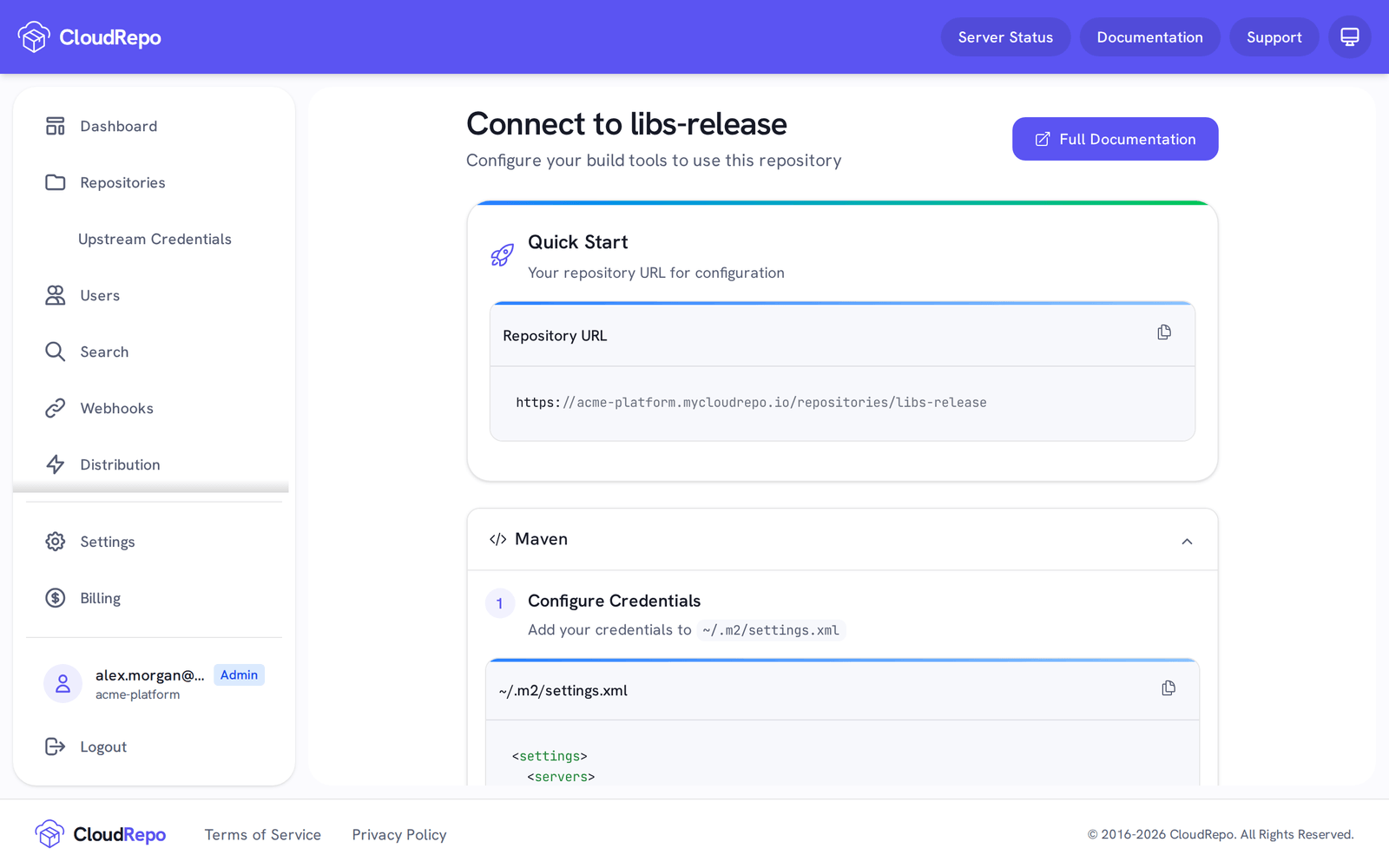
Expected: the portal opens a page headed Connect to your-repo. Its Quick Start card shows your repository URL, and the setup for your tool is on the cards below it. If it says A repository with this ID already exists. Please choose a different name., choose another ID.
Your repository’s URL
Section titled “Your repository’s URL”For Maven, Python and npm, the URL is your organization’s host plus the repository:
https://your-org.mycloudrepo.io/repositories/your-repoyour-org is the organization ID you signed up with, and your-repo is the repository ID. Docker
is different: docker login takes only the host, your-org.mycloudrepo.io, and the repository goes
in the image reference. Docker Repositories shows both.
A new repository is private: reading and publishing both need a credential. You can turn on Public Access in the repository’s settings so that anyone can read a Maven, Python or npm repository without one; see Enabling Public Repository Access.
Connect your tool
Section titled “Connect your tool”- Create a repository token. Build tools send a token, not the password you sign in with.
- Follow the page for your format, which has a ready-to-paste setup and a command that checks it: Maven, Python, npm or Docker.