Product Overview
Dashboard
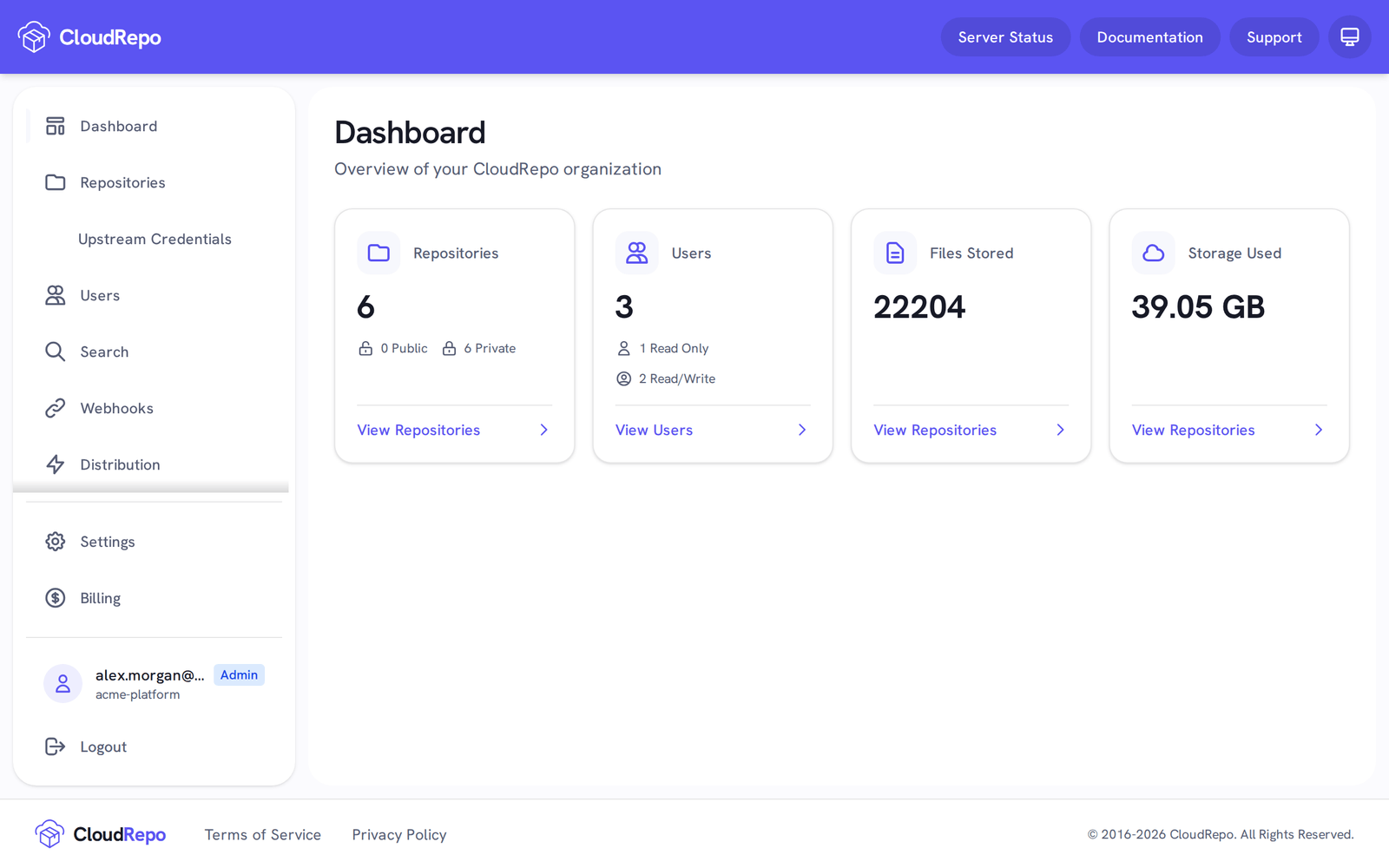
Section titled “Dashboard”The dashboard is seen upon login to the Admin Portal. It provides you with an overview of your account, based on what you have permissions to see.
Supported Technologies
Section titled “Supported Technologies”CloudRepo hosts Maven, Python, npm and Docker repositories.
CloudRepo works with Maven and Gradle using their standard configuration (no plugins or add-ons required). See Maven Repositories.
Python
Section titled “Python”CloudRepo provides support for Python (pip) based repositories by providing a Python Package Index (PyPI) compatible API.
If you have private artifacts that you don’t want to store in the public PyPi instance, CloudRepo can provide you with a private place to store them.
Repository Management
Section titled “Repository Management”The core feature of CloudRepo is Repository Management: you create repositories of each format, public or private, local or proxy.
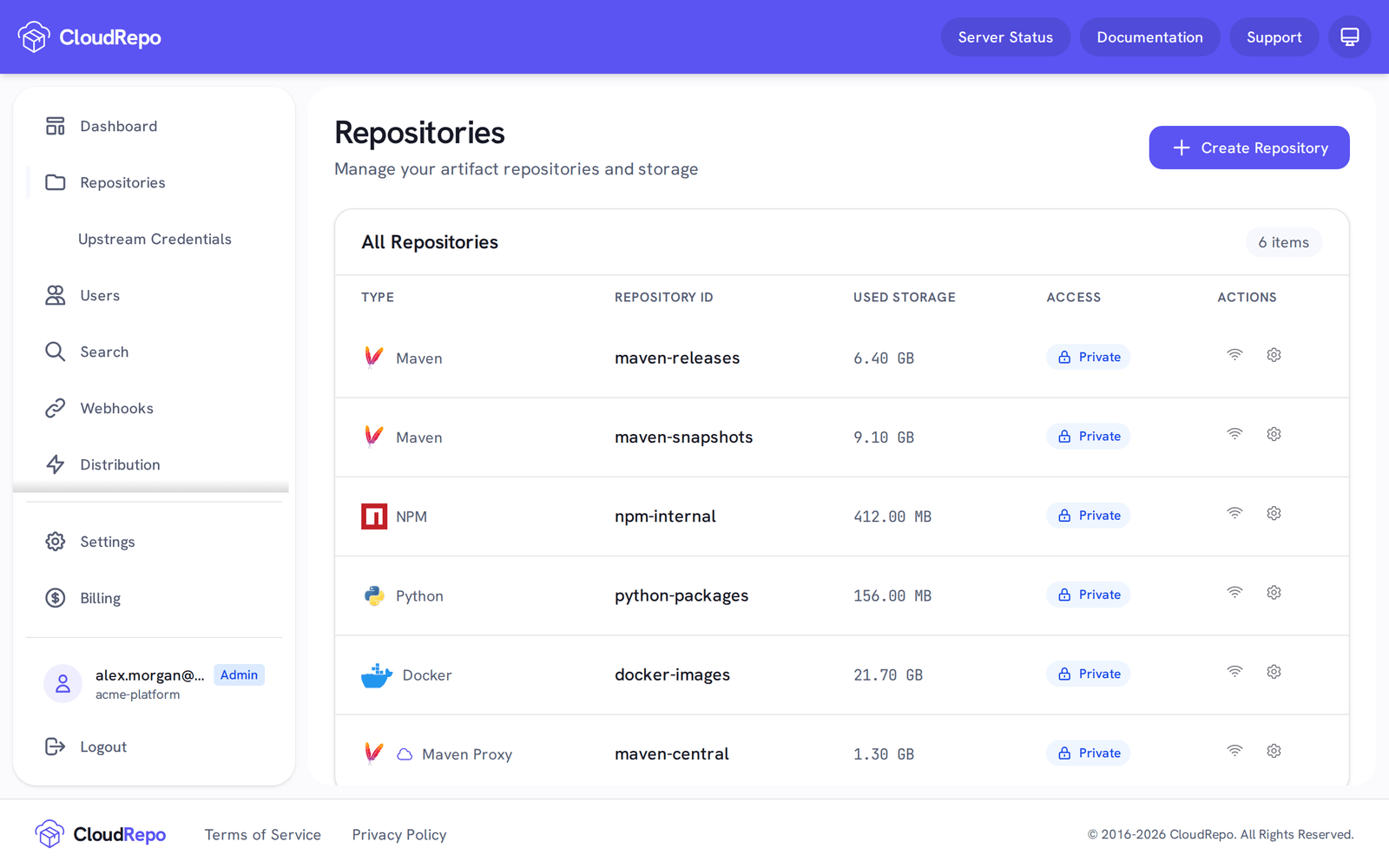
Looking for additional information? See the detailed documentation on Repository Management.
Public Repositories
Section titled “Public Repositories”Public Repositories are used when you want to widely distribute artifacts that your team produces to the rest of the world.
Examples of use cases that benefit from public artifact repositories:
-
Open Source Libraries
-
SDK Publishers
- Android
- Java
Read access to a public Maven, Python or npm repository is available to anyone with an internet connection. No authentication is performed and so your artifacts are made available to the public.
Write access always requires authentication and occurs on a separate URL than the public read URL.
Private Repositories
Section titled “Private Repositories”Private Repositories are the default repository type in CloudRepo. They are used for internal software development and distribution.
Private Repositories require authenticated access for both read and write operations.
Proxy Repositories
Section titled “Proxy Repositories”Proxy repositories pass requests through CloudRepo to a public upstream (like Maven Central or npmjs.com) and keep a copy of every dependency they fetch.
Proxy Repositories are available for Maven, npm, Python and Docker; more details can be found in the Proxy Repositories documentation.
User Management
Section titled “User Management”In order to provide access to your repositories, you’ll have to manage your users in User Management.
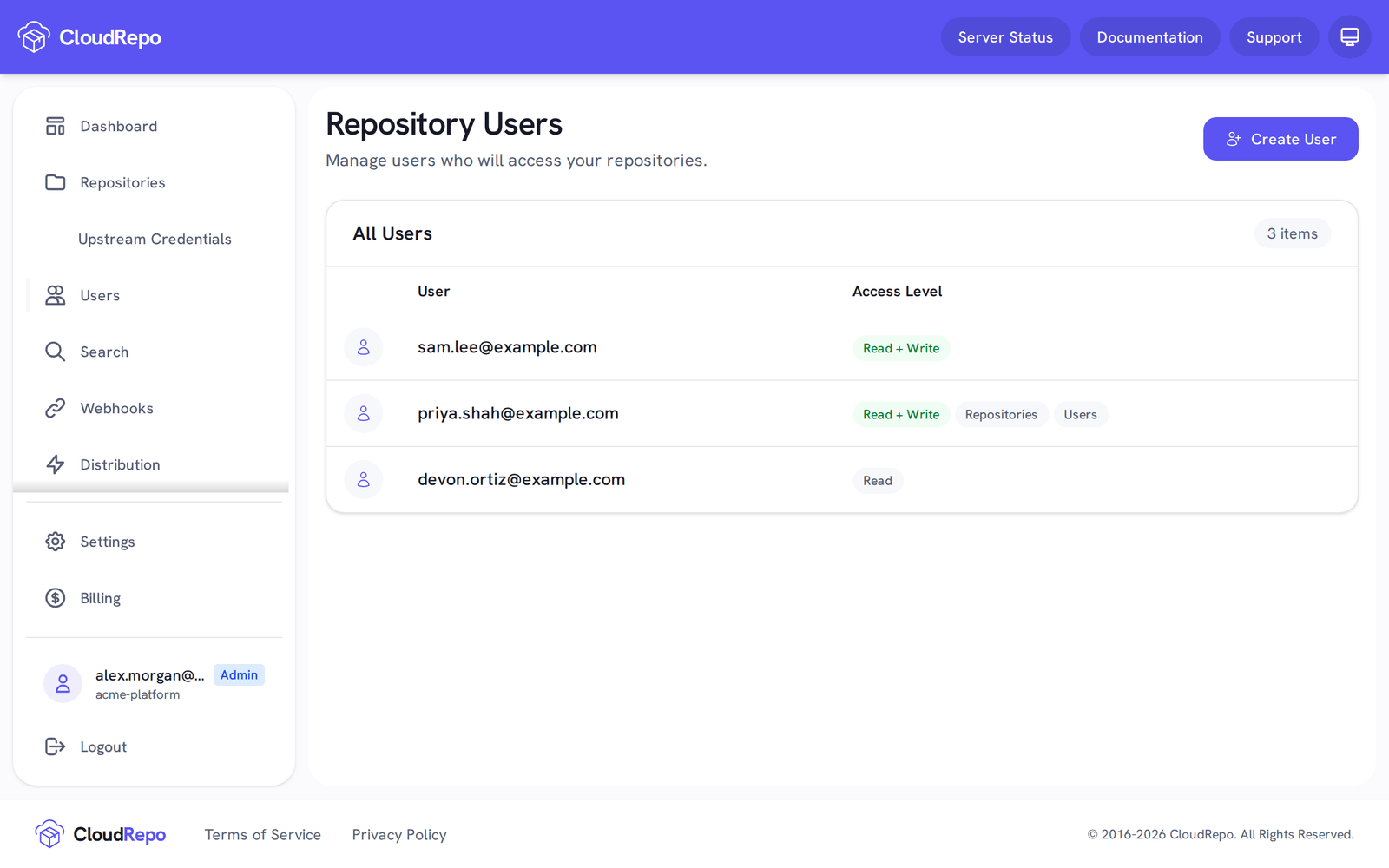
Additional information can be found in the User Management Documentation.
Access Control
Section titled “Access Control”Access is controlled through two types of users: Read Only and Read/Write.
Repository tokens narrow that further: each token reaches only the repositories ticked when it was created, and can be read only. See Repository Tokens: Create One and Authenticate.
Read Only Users
Section titled “Read Only Users”Read Only Users are for those who don’t want to allow public access to their repositories but still want to allow read only access to a CloudRepo repository.
A read only user must still authenticate when retrieving artifacts but they are limited to reading from the repositories - ie they many not publish or upload artifacts.
A typical usage of read only users is to create read only users for your developers, who only need to download artifacts. Publishing of new artifacts can be restricted to your Continuous Integration process to ensure that there is only one path for new artifacts to enter your system.
Read/Write Users
Section titled “Read/Write Users”Read/Write users have full access to repositories. They can read all the artifacts as well as upload and delete existing ones.
A common arrangement is read only for developers and read/write for the continuous deployment pipeline.
Custom Domain Names
Section titled “Custom Domain Names”Custom domain names enable you to access your repositories via a domain you control.
For example, you may prefer to have a branded repository such as repo.mydomain.com. To set one up,
contact support.